
Chat
In this section you will learn about the Chat feature.
Setup
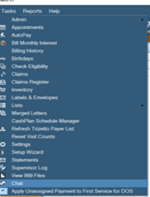
Go to Tasks->Chat or press Alt+T+H to bring up the chat window. Select the individual user recipient or conference from the the drop down menu and then type in your message to send.
The New Message Beep can be enabled by checking the box.
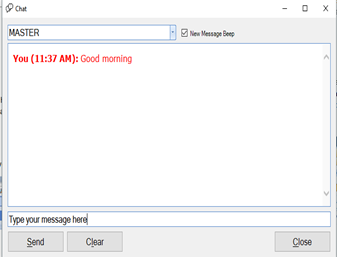
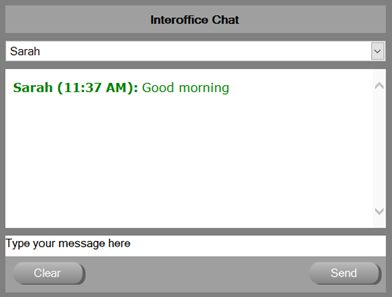
The message will be received by the recipient and a response can then be sent. The chat feature also works with the Interoffice Chat in Chiro QuickCharts. The Clear button will erase individual user messages, but conference messages clear overnight.
0 Comments