
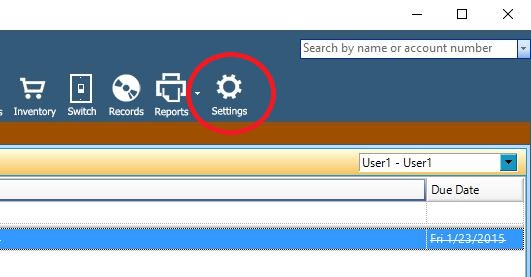
Click the settings gear from the PM Navigation bar
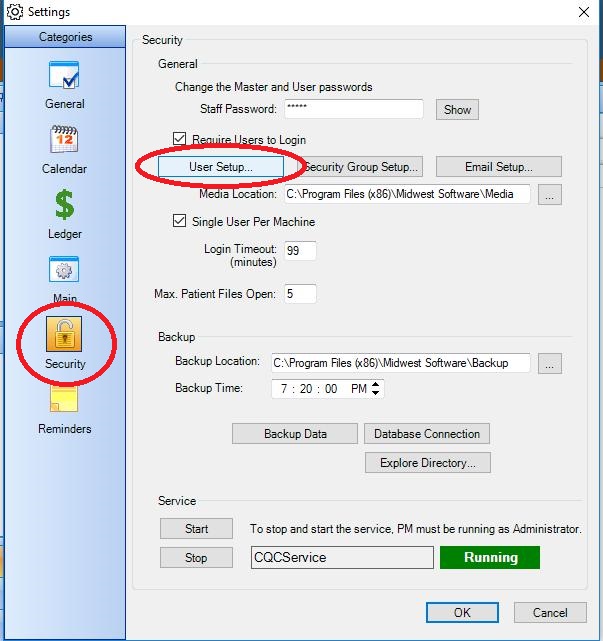
Choose Security from the Category list, then click User Setup
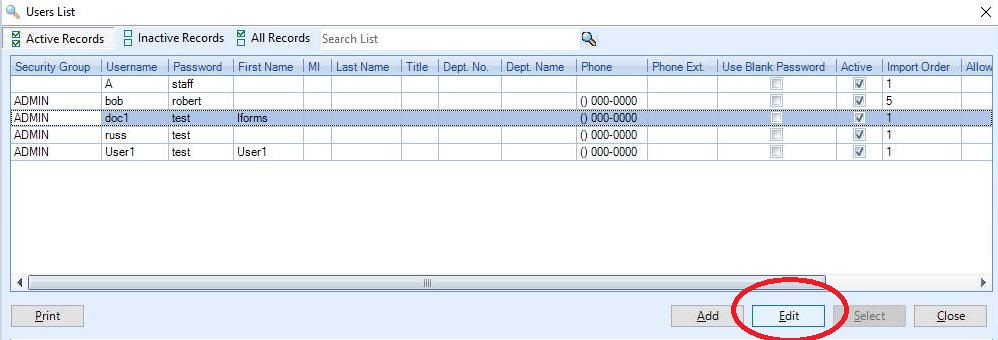
Highlight the name of the user you wish to modify then press the Edit button
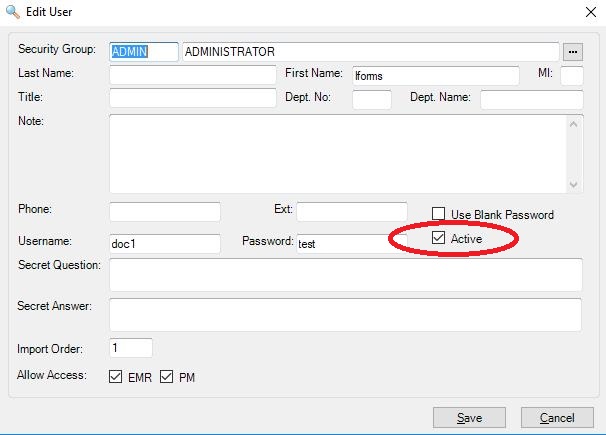
Remove the check from the Active box and press Save. The user will be disabled and will no longer appear as an option for login.
0 Comments