
To Modify Users in PM, press the settings gear on the navigation bar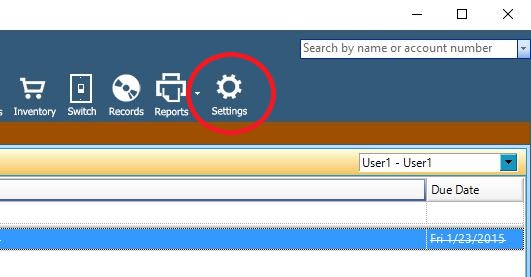
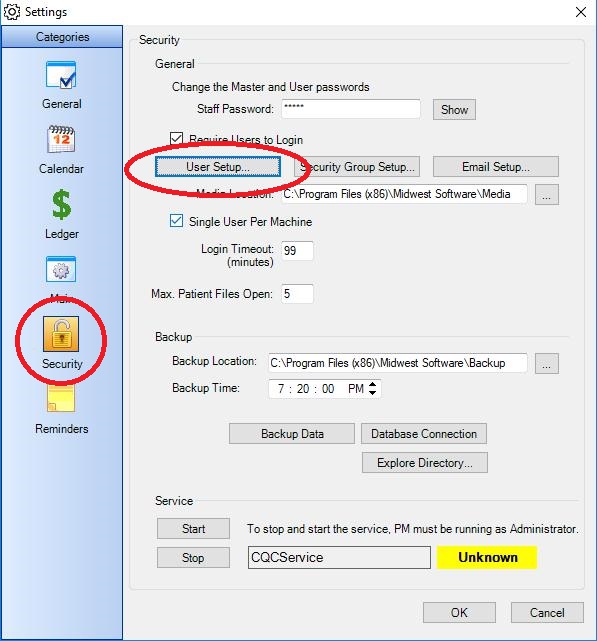
Choose Security from the icon list on the left, and press the User Setup button.
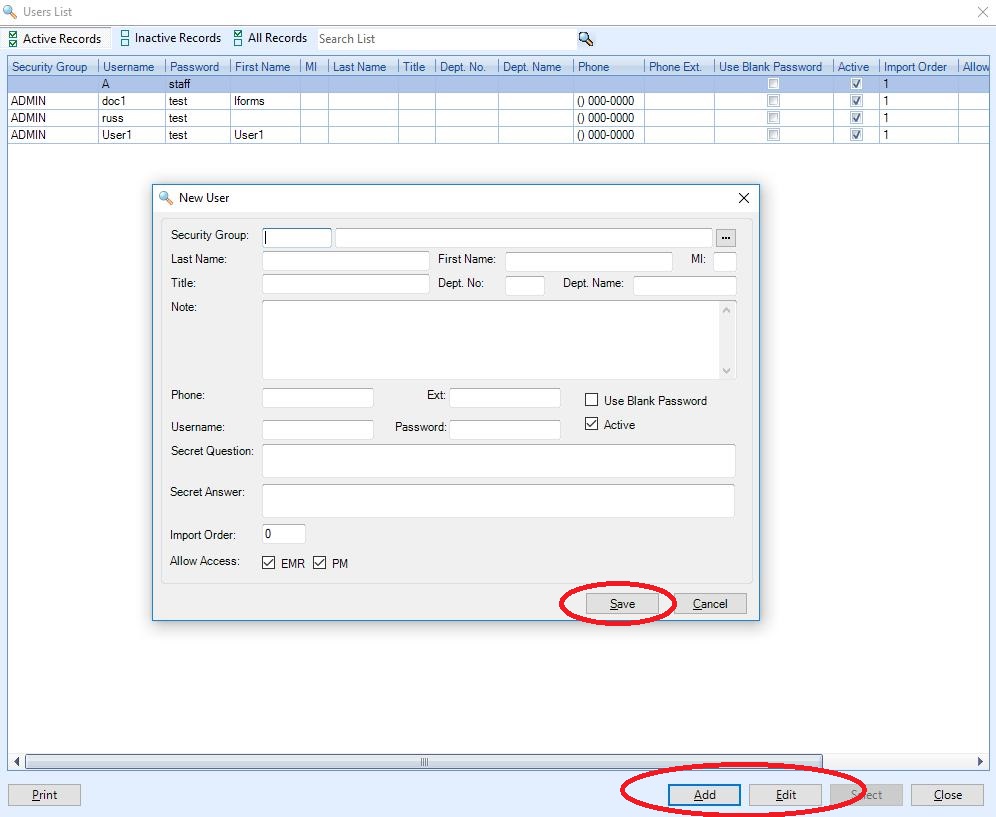
To Modify an existing user, highlight that users name, and press the Edit button. To Add a user, press the Add button. Once you have filled out the information for the user, press the Save button.
0 Comments