
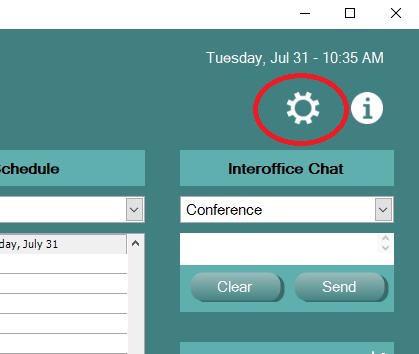
Click on the Settings Gear on the EHR Navigation Bar.
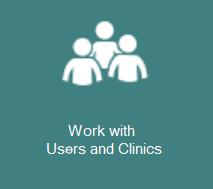
Choose Work with Users and Clinics
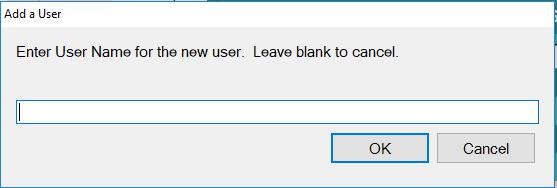
Click on Users from the Menu List. To edit an existing User, Highlight that users name to display their account information. Once you are done editing, press the Save button. To add a new User, press the Add User button and you will be prompted for the new user name.

0 Comments