
This guide details how to edit the order of built in reports. If you created a custom report and wish to edit the order please click Here.
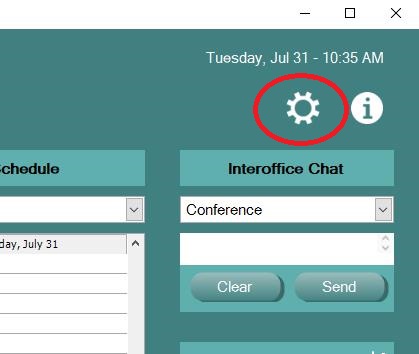
Click on the Settings gear from the EHR Navigation bar
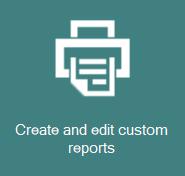
Choose Create and Edit Custom Reports
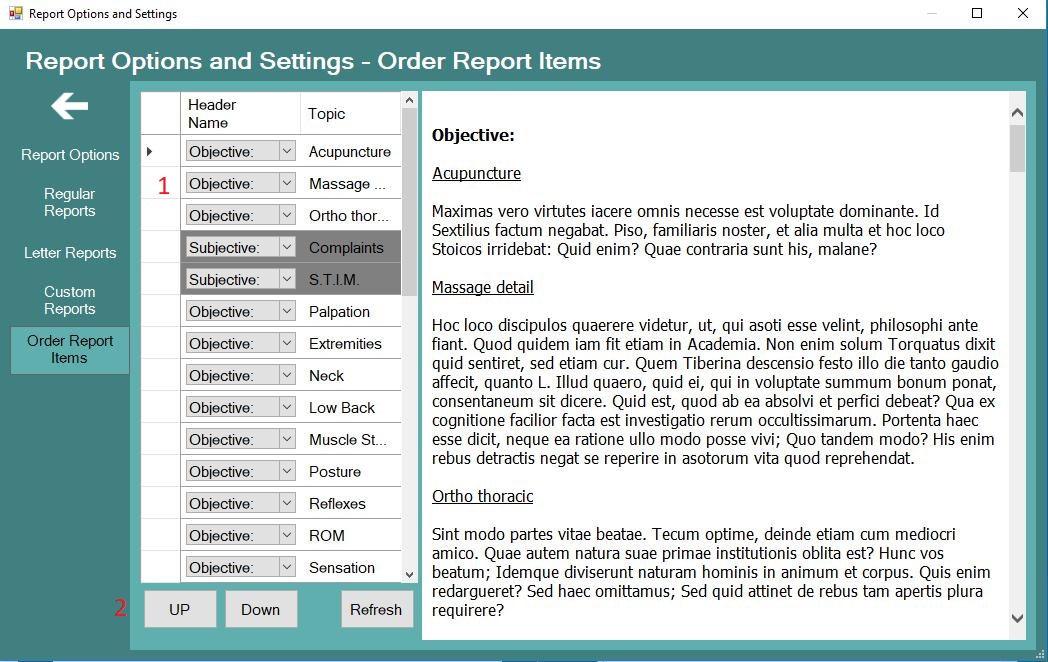
In section 1, highlight the exam screen you wish to relocate and use the UP/Down buttons (2) to move the exam screen to the desired location. The Summary on the right is there to give you a basic idea of layout
0 Comments