
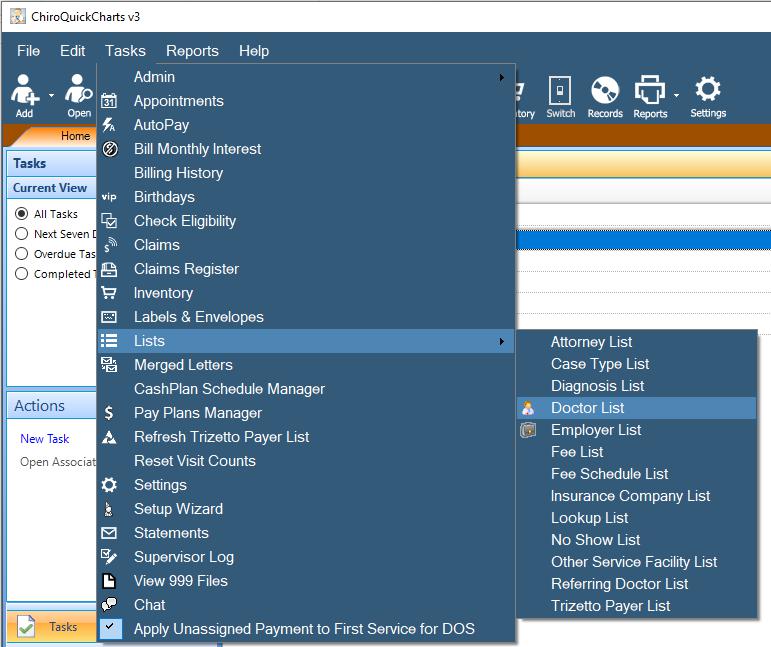
Go To Tasks - Lists - Doctor List
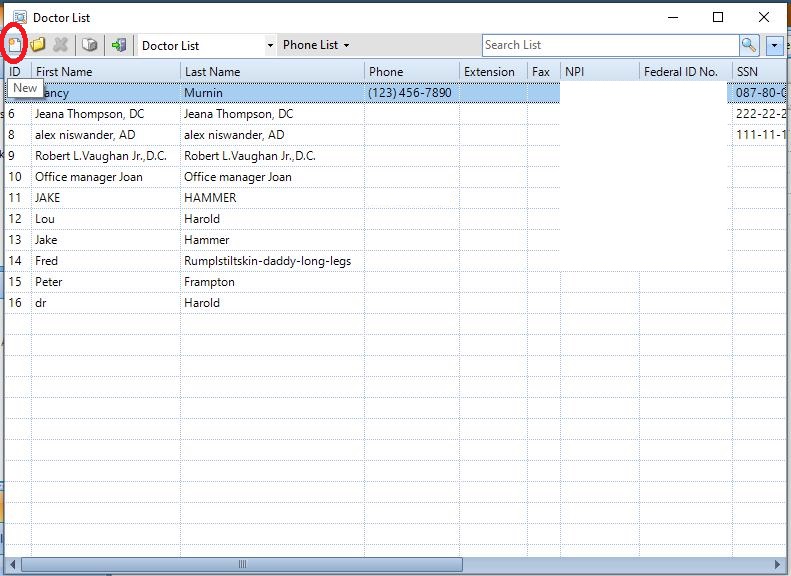
To edit an existing Doctor double click their name. To add a new Doctor, press the New button in the upper left corner of the screen.
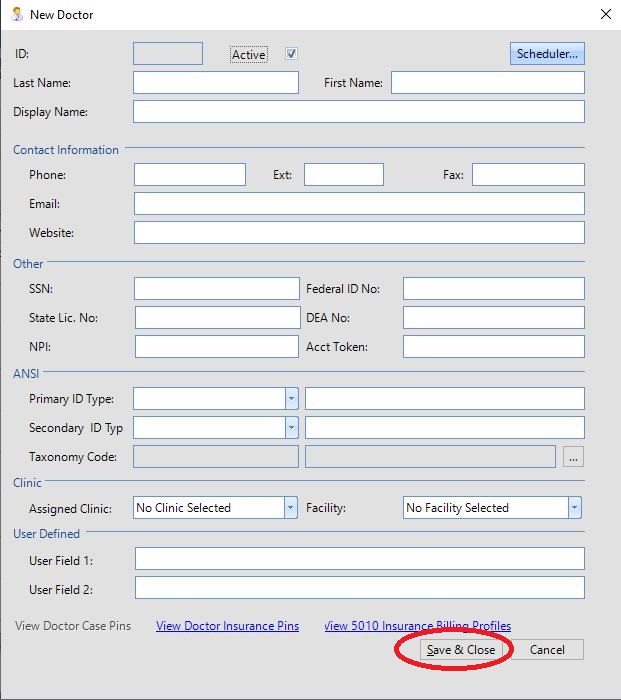
Once you are done with your entry/changes, press Save and Close at the bottom of the page.
0 Comments