
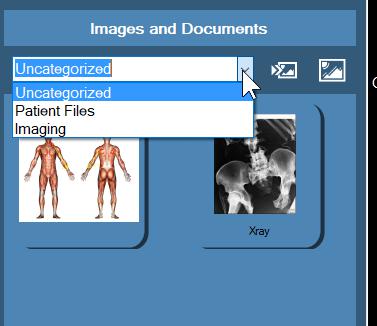
The list of File categories can be managed in EHR options.
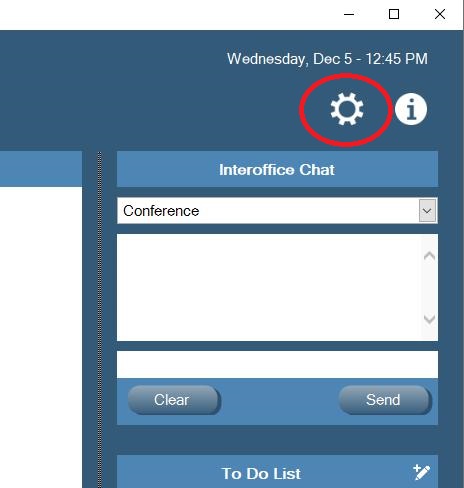
Click on the Settings Gear in the upper Right Corner of EHR main page
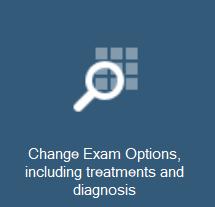
Choose Change Exam Options including Treatments and Diagnosis
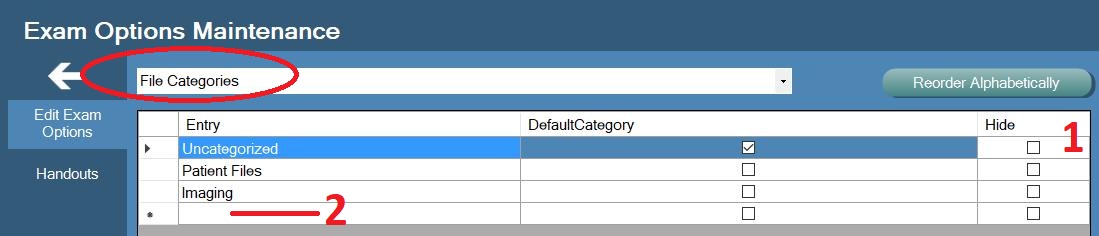
In the drop down box, choose File Categories.
To hide existing categories place a check mark on Hide (1)
To add new categories simply start typing the new category name into the blank line at the bottom of the list (2)
0 Comments