
PM
If you experience a lag time when an appointment is added on another workstation, Each user should adjust the auto fresh rate an set to 1 (seconds).
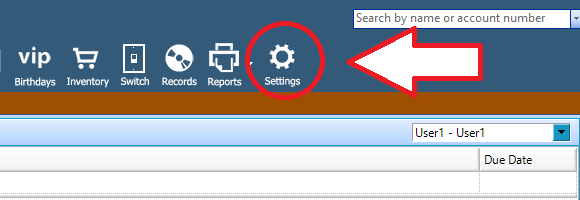
To change auto refresh rate you want to start by (1) opening the settings .
(2) Select the calendar option in the settings menu.
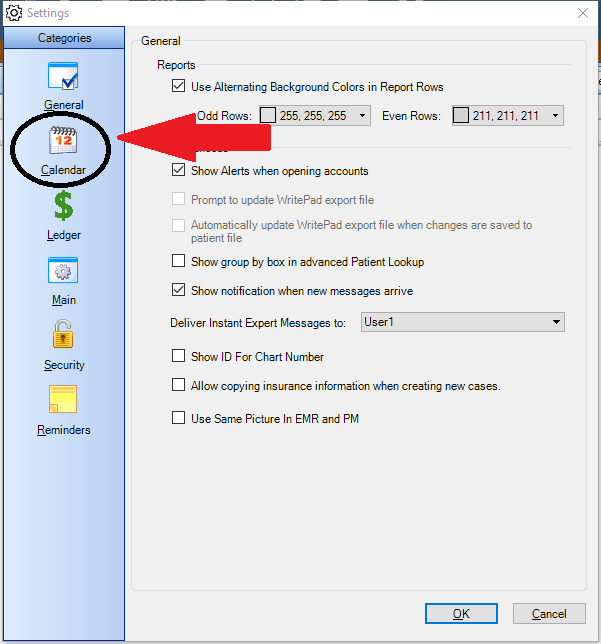
(3) in the general section of the menu you will see Auto fresh rate . Make sure it set to 1. If it's not then clear out what is in the box. Then Replace it with 1.

0 Comments