
Many offices receive X-rays on a CD with an embedded Dicom Viewer. These cannot be directly imported onto a patient chart, but there is a work-around.
- Open the X-ray in the Dicom Viewer outside of EMR
- Launch the Snip-it tool
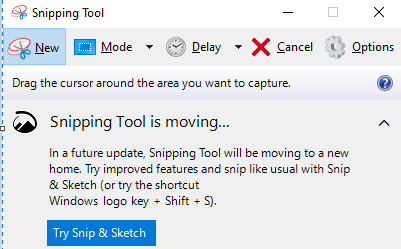
- select the entire screen
- Save the image as a JPEG file
- Open the patient's chart in EMR
- Click the Import button and scroll to where the JPEG image was saved
- Select the JPEG file
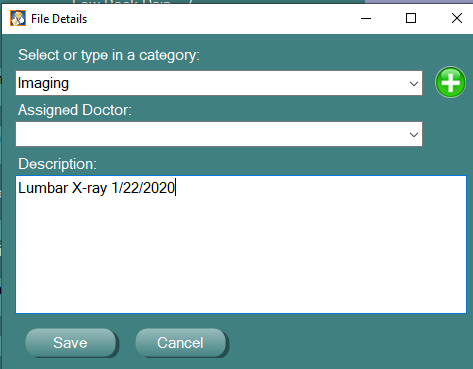
- Choose the category to store it and give it a name
0 Comments