
When building an appointment schedule you can now customize the appointment letter.
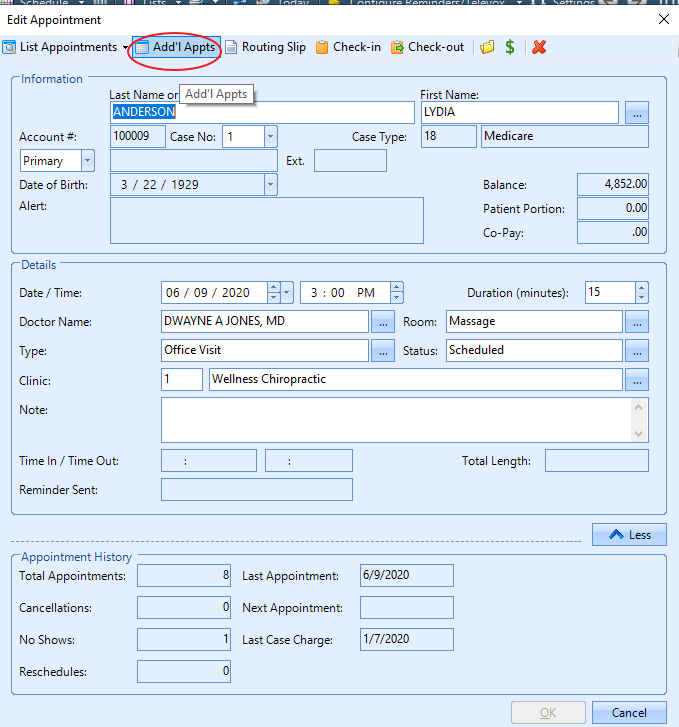
Open appointment, Select Add'l Appts.
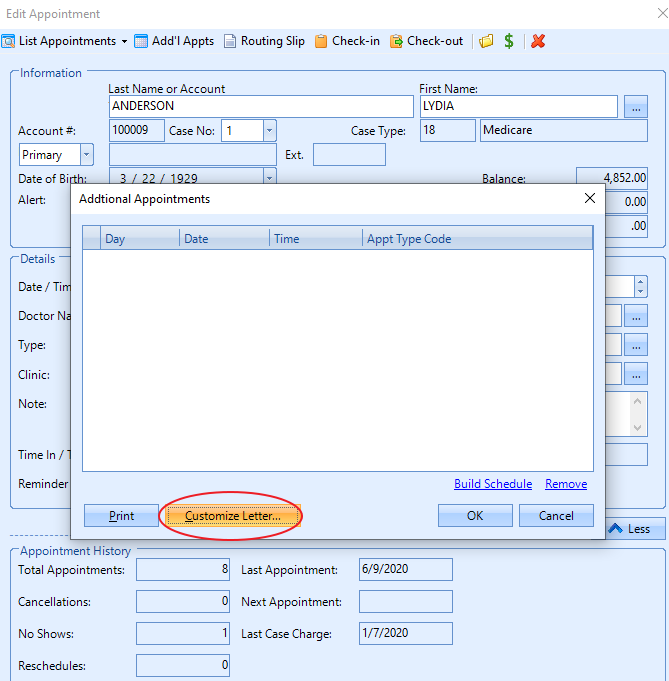
Select customize letter.
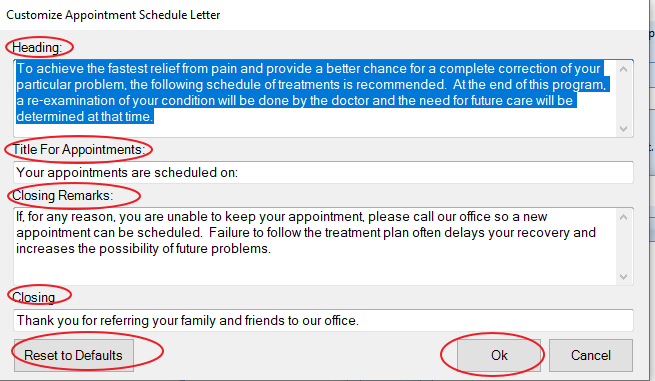
You can customize the header, the title, closing remarks, closing. You can also set the letter back to default. Once you have the letter customized to your liking select ok.
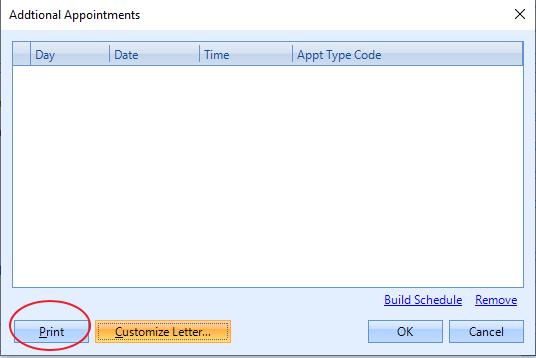
Then print letter.
0 Comments